An Android TV box is the upgrade most IPTV viewers make once a smart TV app or a basic stick starts to feel slow. It brings more memory, a wired network port and access to the widest choice of player apps. But the market is full of near-identical boxes, and the cheapest are often the worst choice. This guide sets out what matters for IPTV, compares well-known models with verified specs, and explains what to avoid.
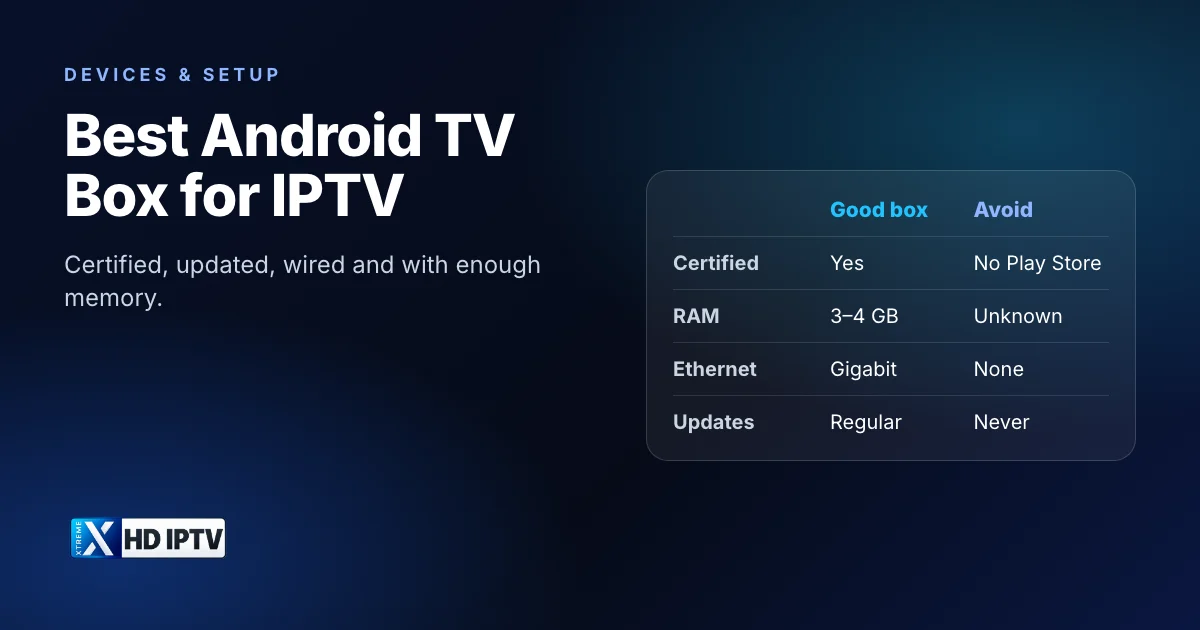
What makes a box good for IPTV
| Feature | Look for | Why it matters for IPTV |
|---|---|---|
| Certification | Google TV or Android TV certified, with Google Play | Security updates and official apps |
| Memory (RAM) | 3–4 GB | Large channel lists and guides load faster and crash less |
| Storage | 16 GB or more | Room for players, guide caches and recordings |
| Network | Gigabit Ethernet | The most effective fix for buffering |
| Video | 4K HDR output, HEVC decoding | 4K channels typically use HEVC |
| Updates | A maker with a good update record | Keeps apps compatible and the box secure |
Processor names are hard to compare, so treat memory, Ethernet and certification as the practical test. Our IPTV box guide explains these specs and the other box types in more detail.
Models worth considering
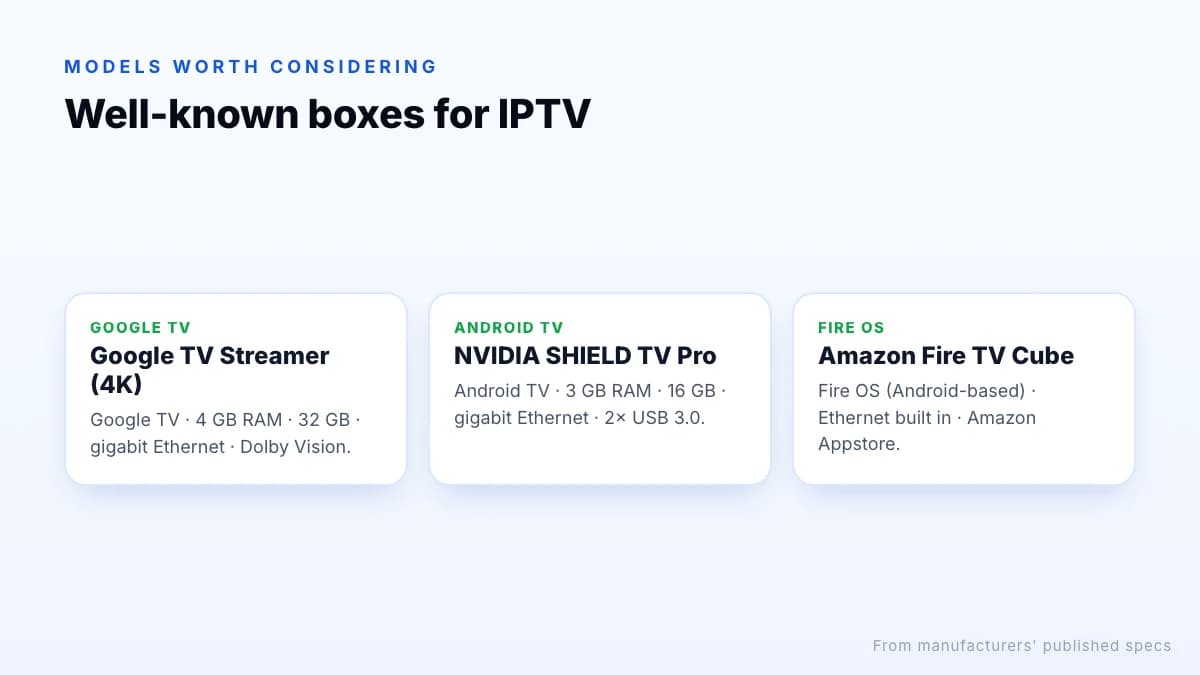
These well-known devices meet most of the criteria. Specs below are from the manufacturers' published specifications; check current prices and availability in the UK before buying.
| Device | Platform | RAM / storage | Ethernet | Notes |
|---|---|---|---|---|
| Google TV Streamer (4K) | Google TV | 4 GB / 32 GB | Gigabit, built in | Dolby Vision, HDR10+; launched 2024 |
| NVIDIA SHIELD TV Pro | Android TV | 3 GB / 16 GB | Gigabit, built in | Two USB 3.0 ports; 2019 hardware |
| Amazon Fire TV Cube | Fire OS (Android-based) | See Amazon's specs | Built in | Amazon Appstore rather than Google Play |
Google TV Streamer
Google's current box has 4 GB of RAM, 32 GB of storage and gigabit Ethernet, which covers the most important IPTV needs in one device. It runs Google TV with Google Play, so all the major player apps are available.
NVIDIA SHIELD TV Pro
Despite its age, the SHIELD TV Pro remains a favourite for heavy IPTV use thanks to 3 GB of RAM, gigabit Ethernet and two USB 3.0 ports for external storage or recording. It costs more than most alternatives, so it makes sense if you use those extras.
Fire TV Cube
Amazon's Cube isn't an Android TV device in the Google sense, but it runs Android-based Fire OS, has an Ethernet port built in and works well with the same player apps. If you already use Fire TV, it is the natural step up from a stick; see the best IPTV for Firestick.
Or skip the box: Google TV built into the TV
Many TVs from Sony, TCL, Hisense and others run Google TV or Android TV themselves, with Google Play built in. If yours does, try a player app on the TV first. Built-in TV processors are often slower than a dedicated box, so if the guide feels sluggish or apps crash with a large channel list, that is the signal to add a box.
Recording and storage
Some players, TiviMate among them, can record live TV to the box's storage or to a USB drive. Recordings use a lot of space, roughly a few gigabytes per hour in HD and considerably more in 4K, so internal storage fills quickly. If recording matters to you, choose a box with a USB port that accepts external storage, such as the SHIELD TV Pro with its USB 3.0 ports, and format the drive as the box recommends. Catch-up, where the service stores programmes for you, avoids the storage question entirely on channels where it is offered.
What about cheap boxes?
Unbranded boxes advertising “8K”, huge storage and a low price are common on marketplaces. Many run uncertified, outdated Android and never receive security updates. In June 2025 the FBI warned that some low-cost, unbranded streaming devices were part of the BADBOX 2.0 botnet, in some cases with malware installed before they were sold.
How to check certification
If you already own an unbranded box, check for Play Protect certification and recent updates. If it has neither, stop using it for anything that involves logins, and replace it with a certified device.
Box or stick?
- Choose a stick if you mostly watch a few channels, move between TVs, or are on a tight budget.
- Choose a box if you use large channel lists, want recording, need Ethernet, or the stick feels slow.
Either way, see how to watch IPTV on your TV for the other options.
Questions to ask before you buy
- Is it certified? Look for Google TV or Android TV branding and Google Play on the product page.
- Does it still get updates? Check the maker's support pages for recent software releases.
- Does it have Ethernet? If not, can you add a USB adapter?
- Does your TV need 4K? If your TV is Full HD, a cheaper certified device will look the same.
- Will you record? Then USB ports and storage matter more than anything else.
- Which player will you use? Make sure it's available on that platform.
Accessories that make a difference
- An Ethernet cable long enough to reach the router, or a powerline adapter pair if it's far away.
- A high-speed HDMI cable rated for 4K at 60 Hz, if your TV is 4K.
- A USB drive or external disk if your player supports recording.
- A remote with number keys or a small keyboard, which makes entering logins and jumping between channel numbers easier.
Setting up a box for IPTV
- Connect the box to a 4K-capable HDMI port and to your router with an Ethernet cable.
- Complete setup and install all system updates.
- Install a player from Google Play, or use the Downloader app with code 9541272 to install our app.
- Sign in with your subscription details and set display resolution to automatic.
The Android TV setup steps walk through each screen.
The bottom line
The best Android TV box for IPTV is certified, updated, wired, and has enough memory for a big guide. The Google TV Streamer and NVIDIA SHIELD TV Pro are well-known boxes that tick most of those boxes, with the Fire TV Cube as a strong Fire OS alternative. Avoid cheap uncertified devices, connect with Ethernet, and test your service on the box during a trial before committing to a plan.