
IPTV Smarters Pro is one of the most searched-for IPTV apps, and also one of the most misunderstood. People often assume it is a TV service in itself, or download copies from unofficial sites. This guide explains what the app really is, how to install it safely, how to log in with the details from your subscription, and how to fix the problems people run into most often.
What is IPTV Smarters Pro?
IPTV Smarters Pro is a video player app developed by WHMCS Smarters. Its official Samsung store listing describes it as a streaming player “developed especially for end-users” who want to watch live TV, VOD, series and TV catch-up on their smart TV.
The key point is that it is only a player. The same listing states that IPTV Smarters “does not supply or include any media or content”, that users must have their own content, and that it has no affiliation with any third-party provider. In practice, that means you need a subscription from an IPTV provider, which gives you the login details the app needs to load channels.
You will see the app called many names online: Smarters IPTV, IPTV Smarters, Smarters Pro or Smarters Player. They usually refer to the same family of apps from the same developer.
Main features
According to the developer's store listing, IPTV Smarters Pro includes:
- Login with the Xtream Codes API (username, password and server URL)
- Separate sections for live TV, movies and series
- An electronic program guide (EPG) for live channels
- Movie details such as ratings, descriptions and cast
- A built-in native player
- Parental controls
- Account information, including your subscription expiry date
- Multi-user support, so you can manage more than one subscription
That combination of a clean layout, a TV guide and multiple profiles is why many providers recommend it. If you are new to these terms, our plain-English guide to IPTV explains live TV, VOD and catch-up in more detail.
Where to download it safely
Because the app is popular, unofficial copies are everywhere, often bundled with adware or modified to collect logins. Follow these rules:
- Samsung smart TVs: install IPTV Smarters Pro from the Samsung app store on your TV, where it is listed under the developer WHMCS Smarters.
- Other devices: search your device's official app store and check that the developer is WHMCS Smarters before installing. Availability differs by platform and region.
- Avoid random APK sites. If an app isn't in your store, ask your provider for a trusted install method or use a different player instead.
Is IPTV Smarters Pro free?
How to log in with Xtream Codes
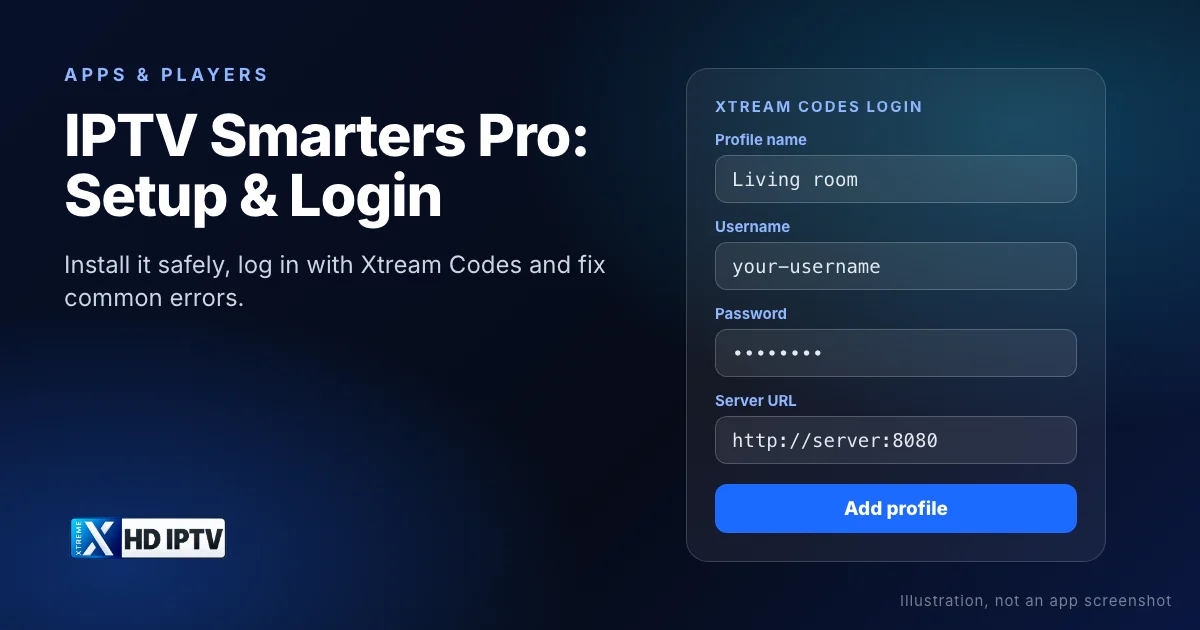
Your provider will send you three details: a username, a password and a server URL. With Xtreme HD IPTV, support sends these on WhatsApp or Telegram when you choose a plan or request a trial.
- Open IPTV Smarters Pro and accept the terms on first launch.
- Choose the option to log in with the Xtream Codes API.
- Enter any name you like for the profile, for example “Living room”.
- Enter the username and password exactly as you received them. Both are case-sensitive.
- Enter the server URL, including
http://orhttps://and the port number if your provider gave one. - Confirm to add the profile, then select it to load your channels, movies and series.
Menu labels can differ slightly between versions and devices, but the three details are always the same. The first load can take a minute while the app downloads the channel list and guide.
Finding your way around
After logging in you will normally see a dashboard with a few main areas:
- Live TV: channels grouped by category. Open the TV guide view to see what's on now and next.
- Movies and series: on-demand libraries with posters, descriptions and season lists.
- Catch-up: past programmes on channels that support it.
- Settings and account: parental controls, player options and your subscription's expiry date.
Mark the channels you watch most as favourites, and use search rather than scrolling. With a large line-up like Xtreme HD IPTV's 20,000 live channels, these two habits save a lot of time.
Troubleshooting common problems
“Invalid username or password”
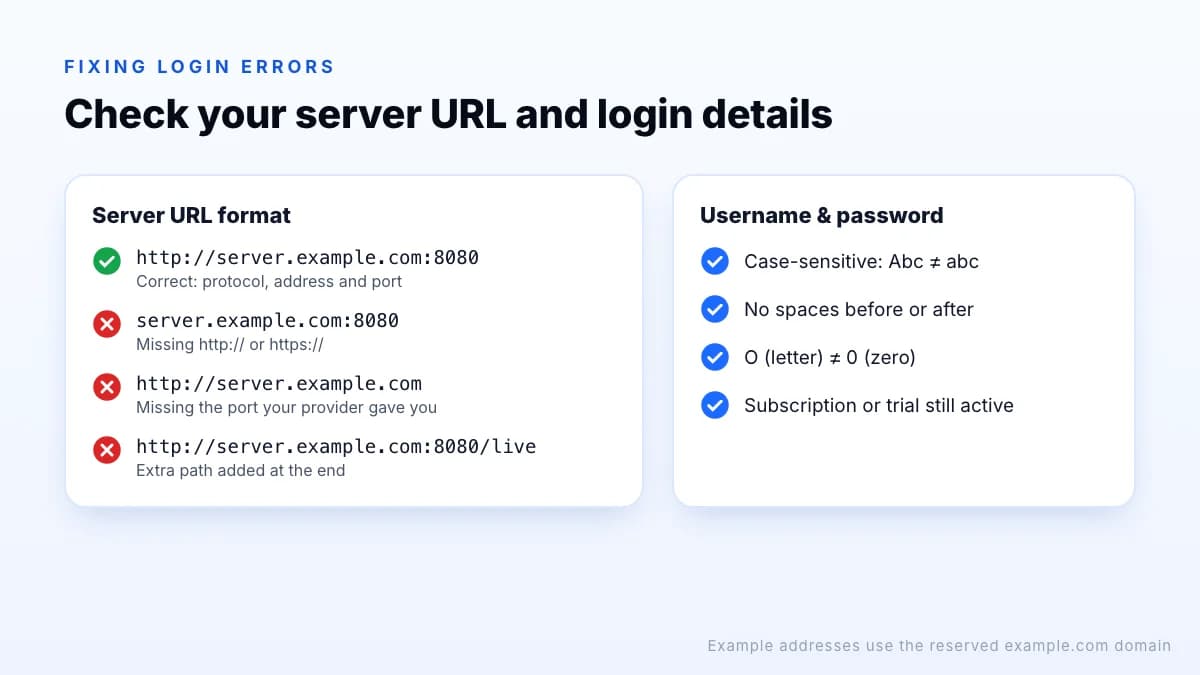
Re-enter the details carefully. Watch for a space copied at the end, a capital letter, or the letter O confused with zero. Also check that your subscription or trial is still active.
The app can't connect to the server
Check the server URL format: it needs http:// or https:// at the start and, if provided, the port (for example :8080) at the end. Don't add extra paths. Restart your router if other apps are also struggling to connect.
The TV guide is empty or shows the wrong times
Give the guide a few minutes to download after the first login, then refresh it from the settings. If times are shifted, check the time zone on your device and in the app.
Buffering or freezing
Use a wired connection if possible, close other apps, and try an HD or FHD version of the channel. If the app lets you choose between player engines in settings, switching can help with some streams. Our internet speed guide covers more fixes.
Live TV works but movies or series won't start
Try another title first: if others play, that one item may be temporarily unavailable. If none play, switch the player engine in settings (if your version offers it) and restart the app. Let your provider know which title failed so they can check it.
The app crashes or freezes on launch
Update the app from your device's store, then clear its cache. If it still won't open, uninstall and reinstall it, then add your profile again. Your subscription and login details are stored by your provider, so nothing is lost.
The app says the account has expired
Open the account information screen to check the expiry date. If it has passed, renew your plan; with Xtreme HD IPTV you can pick a renewal on the pricing page and message support.
“Maximum connections reached”
Your subscription allows a set number of screens at once. Stop playback on another device, or check how many connections you need.
Alternatives to IPTV Smarters Pro
Smarters isn't the only option. On Android TV and Fire TV, TiviMate and XCIPTV are popular for their TV guide and recording features, and on iPhone and iPad there are App Store players such as IBO Player Pro. Our comparison of IPTV player apps shows which players run on which devices and the login types they support.
On a Fire TV Stick or Android TV device you can also install the Xtreme HD IPTV app directly with Downloader code 9541272; see the setup guide. Whichever player you choose, the login details from your subscription stay the same.
The bottom line
IPTV Smarters Pro is a widely used player that turns the login details from your subscription into live TV, films and series. Install it from an official app store, use the Xtream Codes login with your username, password and server URL exactly as supplied, and most problems come down to a typo or an expired account. If it doesn't suit your device, the same login works in many other players. Something still not right? Try our IPTV troubleshooting guide.