
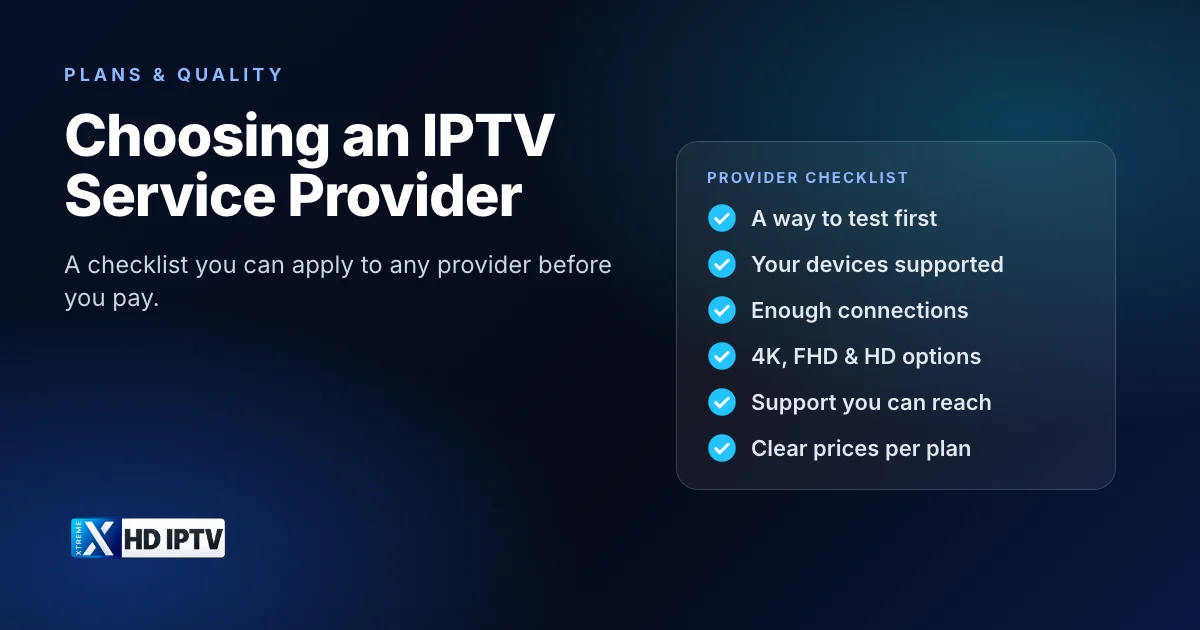
Search for “best IPTV service” and you will find endless lists, each ranking a different set of providers. The truth is that the right IPTV service provider depends on your devices, your connection and what you watch, and the only way to know is to test against clear criteria. We run an IPTV service ourselves, so rather than ranking competitors, this guide gives you a checklist you can apply to any provider, including us.
What an IPTV service provider does
An IPTV service provider supplies the streams: the live channels, the on-demand library, the TV guide (EPG) data and the account that ties them together. It is a different thing from:
- Your player app, such as IPTV Smarters Pro or TiviMate, which only plays what the provider sends. Our guide to IPTV player apps explains the difference.
- Your internet provider, which carries the data to your home.
- Operator IPTV, the TV packages some broadband companies deliver over their own network to their own set-top box.
When people compare IPTV providers, they usually mean internet IPTV services that work on devices you already own. If the concept is new, read what IPTV is first.
The checklist: eight things to compare
1. A way to test before paying
A short trial or a one-month plan lets you see real performance on your own TV and connection. Be cautious of providers that only sell long plans with no way to test.
2. Device and app support
Check the provider supports every device you plan to use, whether that is a Fire TV Stick, Android TV box, smart TV, phone or computer, and which login types it offers: Xtream Codes, an M3U playlist or MAC activation.
3. Connections
A connection is one screen streaming at a time. Count how many people watch at once, not how many devices you own. See how many connections you need.
4. Picture quality options
Look for clearly labelled 4K, FHD and HD versions so you can match the stream to your screen and connection. A provider that only offers one quality leaves you stuck when your connection is busy. See what 4K IPTV needs.
5. Stability at peak times
Any service looks good at 11am on a Tuesday. What matters is the evening and the moment a big match kicks off. Uptime figures are useful, but your own test at peak time is better evidence.
6. TV guide and organisation
With thousands of channels, an accurate EPG, sensible categories and working search matter as much as the channel count.
7. Support you can actually reach
Note how the provider can be contacted, whether a real person replies, and how quickly. Send a question before you buy; the answer tells you a lot.
8. Clear prices and terms
You should see the price for each plan length and number of connections before you pay, in a clear currency, along with what happens when the plan ends.
How to test a provider during a trial
- Install the player on the device you will use most and sign in.
- Open the channels you watch most and leave one running for at least 30 minutes.
- Test again in the evening and during a live event if you can.
- Switch between 4K, FHD and HD versions of the same channel to see what your connection handles.
- Open the TV guide and check that it matches what is actually on.
- Try a few films or series from the on-demand library.
- Send support a question and note how long the reply takes.
Keep short notes as you go: which channels you tried, the time, the quality you picked and whether anything buffered. If you are trialling more than one provider, test them on the same device and on the same evening, so the comparison is fair rather than a memory of which one felt better.
If something fails, test the same channel on a second device. That tells you whether the issue is the service or your setup; our guide on what to do when IPTV is not working helps separate the two.
Red flags to watch for
- “Lifetime” subscriptions. A service that runs on servers and bandwidth has ongoing costs, so a one-off payment for life is hard to sustain.
- Unrealistic promises, such as “never buffers on any connection”. Playback always depends on your internet too.
- No contact details beyond a payment form.
- Payment only by gift card or other methods you can't trace. The US Federal Trade Commission warns that anyone who insists on gift-card payment is very likely a scammer.
- Requests for unnecessary personal data or to install apps from unknown links that the provider can't explain.
- Pressure to pay immediately, such as a deal that ends in ten minutes.
Why “best IPTV” lists only go so far
Many “best IPTV service” and “top rated IPTV” pages are written by sites that earn a commission from the providers they rank, and services change quickly, so a list from last year may describe a different service today. Forum and Reddit threads are more candid but reflect individual setups in other countries and on other connections. Use them to build a shortlist, then judge each provider on the checklist above with your own trial.
A fair test beats a ranking
Comparing prices fairly
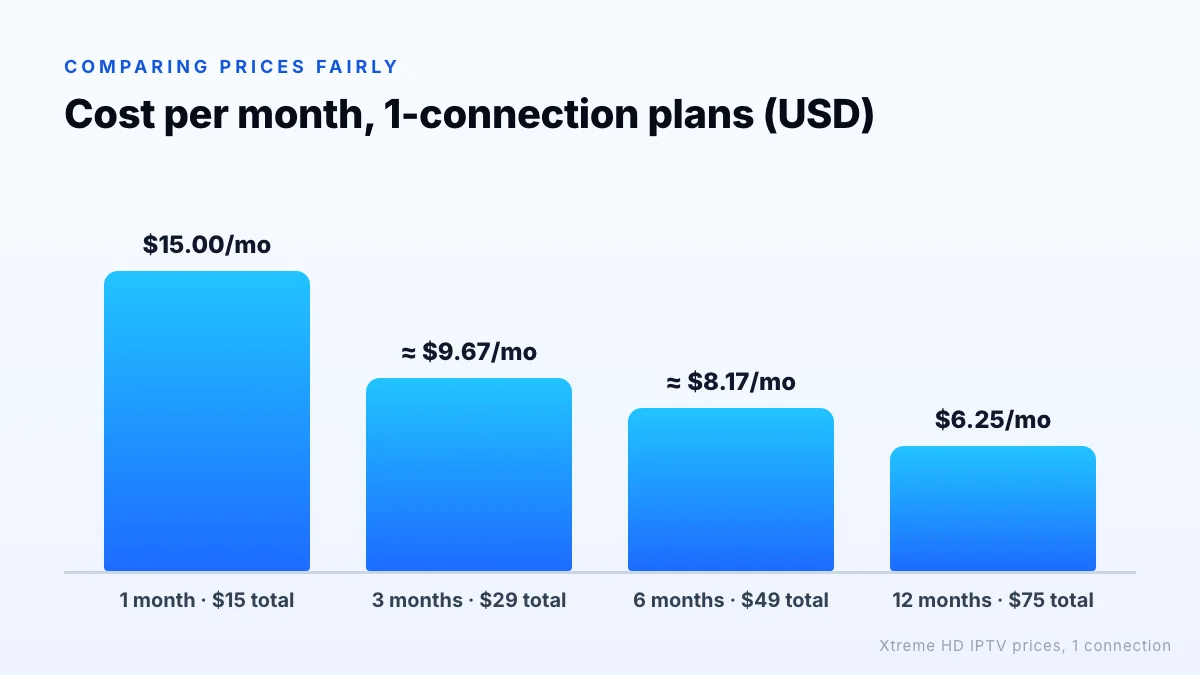
Headline prices are hard to compare because providers mix plan lengths and connection counts. Convert every option into a cost per month for the number of connections you need. Using our own 1-connection prices as an example:
| Plan | Price | Cost per month |
|---|---|---|
| 1 month | $15 | $15.00 |
| 3 months | $29 | about $9.67 |
| 6 months | $49 | about $8.17 |
| 12 months | $75 | $6.25 |
Do the same for multi-screen households. Compare a multi-connection plan with buying separate single plans: for example, our 12-month plan with 2 connections costs $99, while two separate 12-month single-connection plans would cost $150. Check whether a provider prices extra connections this way before assuming that one account per person is the only option.
The cheapest monthly rate is only a saving if the service works for the whole period, which is another reason to test first and then choose a longer plan. Full prices for 1 to 5 connections are on the Xtreme HD IPTV pricing page, and you can request a trial to put us through the same checklist.
The bottom line
The right IPTV service provider is the one that holds up on your devices, at your busiest viewing times, with support you can reach and prices you can understand. Use the eight-point checklist, test during a trial in the evening, steer clear of lifetime deals and pressure tactics, and compare costs per month for the connections you actually need. We're happy to be measured the same way: request a trial and run the checklist on us.