
Searches like “best IPTV USA” and “best IPTV in USA” lead to rankings that rarely agree, because the right answer depends on where you live, what you watch and how many people watch at once. This guide explains the factors that matter most in the US, from local channels by ZIP code to regional sports networks and the real monthly cost, and gives you a test plan to judge any service. We sell an IPTV service ourselves, so treat this as a checklist to apply to everyone, including us.
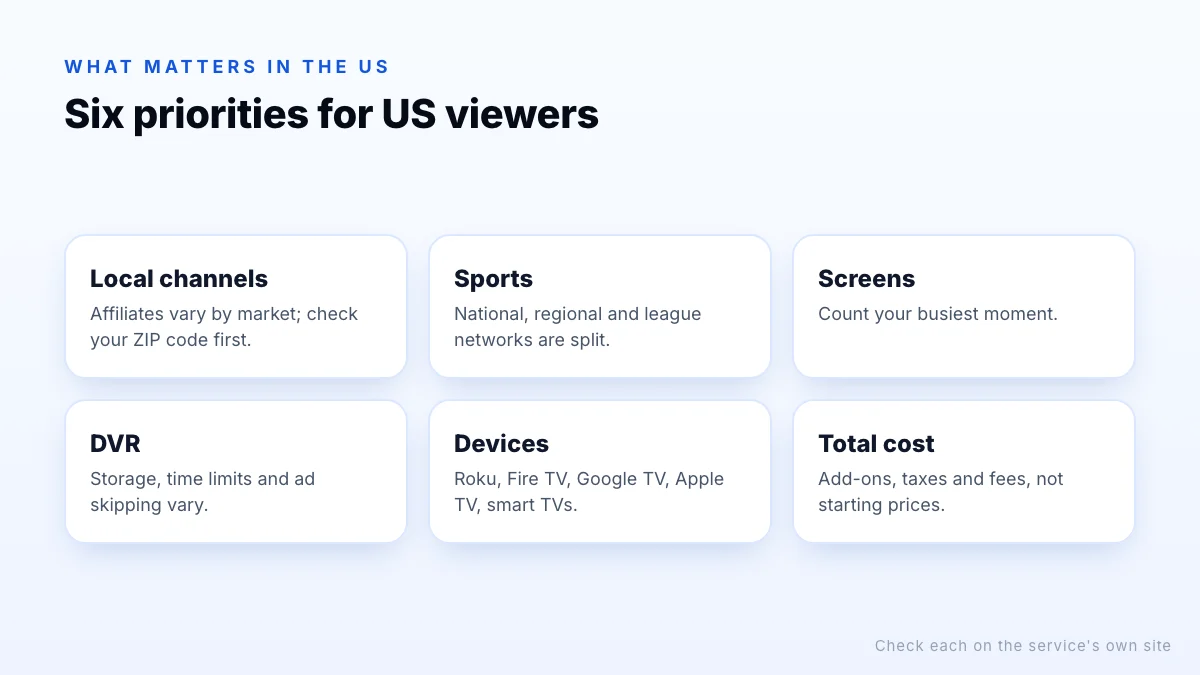
What matters most to US viewers
| Priority | Why it matters in the US | How to check |
|---|---|---|
| Local channels | Network affiliates vary by market | Enter your ZIP code on each service's site |
| Sports | Rights are split across national, regional and league networks | List your teams and leagues; check each one |
| Screens | Families often stream on several devices at once | Count your busiest moment |
| DVR | Recording rules vary: storage, time limits, ad skipping | Read the DVR terms |
| Devices | Roku, Fire TV, Google TV, Apple TV, smart TVs | Check app availability on yours |
| Total cost | Add-ons, taxes and fees add up | Price the package you would actually use |
Local channels by ZIP code
Local ABC, CBS, FOX and NBC affiliates are licensed market by market, so a service can carry all four in one city and only two in another. Every major live TV streaming service lets you check availability by ZIP code; do this first, because it often narrows the choice quickly. If a service lacks a local network you watch, an over-the-air antenna is a free way to fill the gap.
Sports and regional networks
Sports are usually the deciding factor in the US. National games are spread across broadcast networks, ESPN, FOX Sports, TNT and others; local team games often air on regional sports networks that only some services carry; and leagues run their own channels and streaming packages. Make a list of your teams and leagues, and check exactly where their games are shown in your area before choosing. Blackout rules can also apply to local games on national packages.
4K sport
Screens, DVR and devices
- Screens: each simultaneous stream counts. See how many connections you need.
- DVR: compare storage, how long recordings are kept and whether you can skip ads in recordings.
- Devices: confirm the service's app runs on your Roku, Fire TV, Google TV, Apple TV or smart TV, and on any older TVs in the house.
- Out of home: some services limit viewing away from your home network or require you to check in periodically from home.
Comparing the viewing experience
Two services with similar channels can feel very different day to day. During a trial, pay attention to how quickly the guide loads and scrolls, whether search finds programmes as well as channels, whether each family member can have a profile, and how well closed captions work. On older streaming sticks and smart TVs, some apps are noticeably slower than others, which matters more than one or two extra channels.
Trials and cancellation
Many US live TV streaming services offer free trials, though trial length and eligibility change. Most also run month to month without contracts, so you can switch between services as sports seasons change. Check how to cancel before you sign up, set a reminder before a trial ends, and look for any equipment or early termination fees on provider bundles.
Working out the total cost
US streaming prices change often and rarely tell the full story. To compare fairly:
- Price the base package that includes your locals and main channels.
- Add the sports, premium or extra-screen add-ons you would actually need.
- Include taxes and any regional sports fees shown at checkout.
- Subtract anything you would cancel, such as a separate sports subscription it replaces.
- Compare the monthly totals, not the advertised starting prices.
Free services such as Pluto TV, Tubi and The Roku Channel, plus an antenna, can reduce what you need to pay for. Our IPTV in the USA overview covers those options.
Finally, check what you are giving up. If a streaming service replaces cable, make sure it includes anything you rely on today, such as a particular news channel, a children's channel or local sports, before you return the cable box. It's easier to run a streaming trial alongside cable for a week than to switch back later.
Independent IPTV services
Alongside the big licensed brands, many independent IPTV services sell subscriptions for use in player apps. Some are legitimate; many are not. Before paying any of them, check who runs the service, how to contact it and how its channels are licensed. Operating a commercial service that streams copyrighted content without permission is a federal crime under the Protecting Lawful Streaming Act, and unlicensed services can disappear overnight.
- Every premium and sports channel for a fraction of licensed prices.
- No company name, address or contact details.
- “Lifetime” plans, or payment only by gift card, crypto or payment apps to individuals.
- Sold mainly through social media messages or preloaded streaming sticks.
- A website named after a well-known service that has shut down.
The FTC warns that anyone demanding payment by gift card is very likely a scammer. Our general provider checklist covers the rest.
A one-week test plan
- Day 1: sign up for a free trial, install on your main TV, check your local channels.
- Days 2–3: watch your teams or shows in the evening and note any buffering.
- Day 4: stream on two or three screens at once if your household needs it.
- Day 5: record something and check how the DVR works.
- Day 6: contact support with a question and note the reply.
- Day 7: decide, and cancel the trial if it isn't right.
Put a reminder in your calendar for the day before a trial ends, since most convert to paid plans automatically.
The bottom line
The best IPTV service in the USA is the one that carries your local channels and teams, supports your devices and screens, and costs least in total once add-ons and fees are counted. Check locals by ZIP code first, map out where your sports are shown, compare monthly totals rather than starting prices, and test during a trial. With any independent service, including ours, check who runs it and how its channels are licensed before paying.