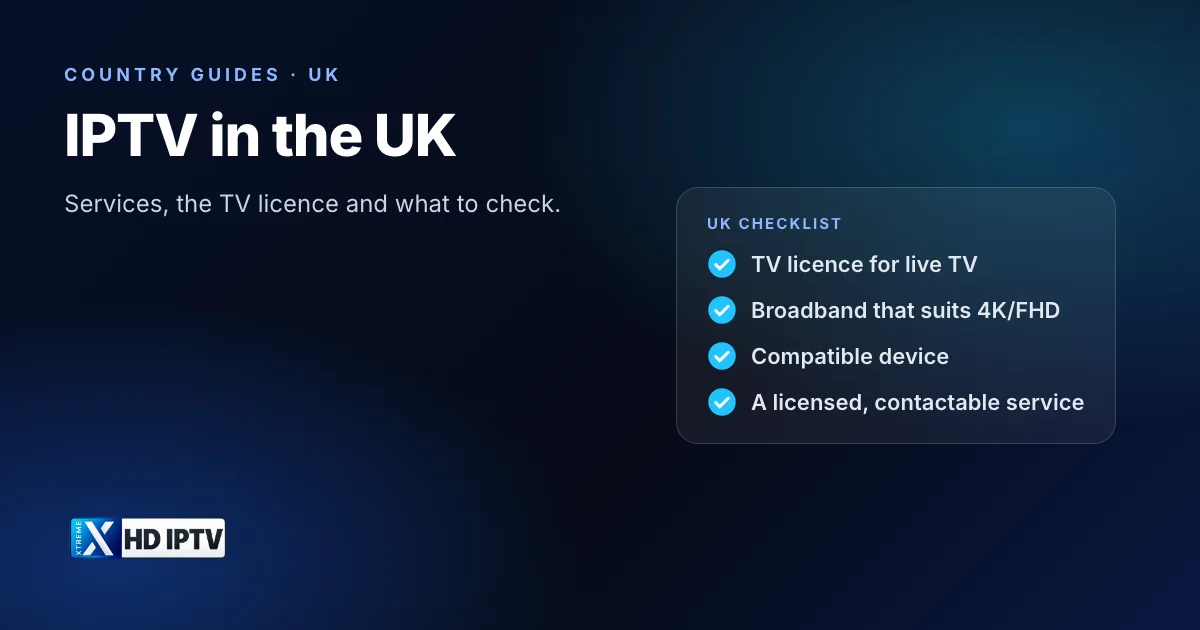
The UK has moved quickly from aerials and satellite dishes to TV over broadband. Freely, Sky Stream, Virgin Media Stream and BBC iPlayer all deliver TV over the internet, and many households also use independent IPTV subscriptions through apps on a Fire TV Stick or smart TV. This guide explains the IPTV landscape in the UK, the TV licence rule that applies to all of it, the broadband you need and the UK-specific questions to ask before you pay for a service.
What IPTV means in the UK
IPTV, Internet Protocol Television, is TV delivered over a broadband connection rather than through a Freeview aerial, a satellite dish or a cable TV line. In the UK the term covers the big broadcasters' streaming services, pay-TV packages that now arrive over broadband, and independent subscriptions that you watch in a player app. Our guide to what IPTV is explains the technology in more detail.
The main IPTV options in the UK
| Type | Examples | Cost |
|---|---|---|
| Broadcaster streaming | BBC iPlayer, ITVX, Channel 4, 5 | Free (TV licence needed for live TV and iPlayer) |
| Free live TV platform | Freely on compatible smart TVs | Free (TV licence needed) |
| Pay TV over broadband | Sky Stream and Sky Glass, Virgin Media Stream, EE TV | Monthly subscription |
| Streaming passes | NOW | Monthly passes |
| Independent IPTV subscriptions | Services used through player apps | Monthly or yearly; varies |
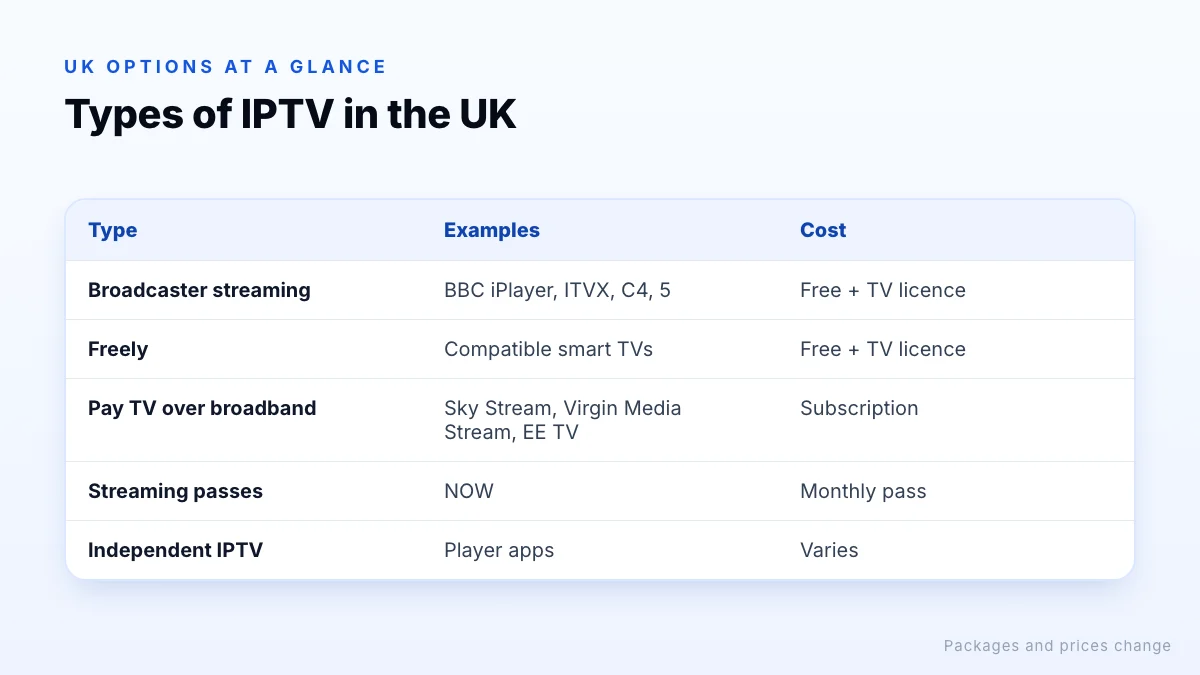
Pay-TV providers' IPTV packages come with their own box and app and often require their broadband. Independent subscriptions work over any broadband but vary widely in quality and legitimacy; see is IPTV legal in the UK? before choosing one.
The TV licence
UK law requires a TV Licence to watch or record live TV on any channel or service, on any device, and to watch BBC programmes on iPlayer. That covers IPTV: watching a live channel through an app on a Fire TV Stick needs a licence just as watching through an aerial does. On-demand-only services such as Netflix and Disney Plus don't require one.
Live means live
Broadband and Wi-Fi
Most UK homes have broadband fast enough for HD and Full HD streaming, and full-fibre connections easily handle several 4K streams. As a general guide, plan for about 5 Mbps per HD stream, 10 Mbps for FHD and 25 Mbps or more for 4K, and add them up for every screen watching at the same time. Our internet speed guide shows how to work out your total.
In practice, Wi-Fi is the weak point more often than the broadband line. Solid walls in older UK houses can cut signal sharply, so use Ethernet, a mesh system or powerline adapters for the TV, and test speed on the TV device in the evening, when UK networks are busiest.
Aerial, satellite and IPTV together
You don't have to choose one or the other. Many UK smart TVs combine Freeview channels from an aerial with streaming apps, and some show both in the same guide. Freely goes further, delivering live channels entirely over broadband for homes without an aerial. Sky Stream and Virgin Media Stream replaced the dish and cable box with an internet-connected puck or box. A common setup is aerial or Freely for the main channels, plus an app-based service for anything extra.
Subtitles and accessibility
The broadcasters' own apps generally offer subtitles and, on many programmes, audio description. Third-party player apps vary: some pass through subtitles carried in the stream, others don't. If accessibility features matter in your household, check them specifically during a trial.
Devices that work well in the UK
- Fire TV Stick and Fire TV Cube: widely sold in the UK and well supported by IPTV apps. See our Fire TV Stick guide.
- Google TV and Android TV devices: the widest choice of player apps. See the best Android TV box for IPTV.
- Smart TVs: Samsung, LG and Google TV sets run player apps; Freely is built into compatible newer TVs.
- Phones, tablets and computers for watching around the house.
UK-specific things to check
The Saturday 3pm blackout
Premier League and other football matches kicking off at 3pm on Saturdays are not broadcast live in the UK by licensed broadcasters. A service that shows them live in the UK is a clear sign that it is not licensed.
Currency and payment
Some services price in US dollars or euros, so your bank may add a foreign transaction fee. Our own plans, for example, are priced in USD. Prefer payment methods that give you buyer protection.
Consumer rights and scams
UK consumer law gives you rights over digital services bought from legitimate traders. If you are targeted by an IPTV scam, you can report it to Action Fraud. Neither helps much with a service that has no identifiable company behind it, which is another reason to check who runs a service before paying.
Time zone
If guide times look an hour out, check your device is set to UK time and that the player's EPG offset is zero, especially after the clocks change.
Which channels you actually need
Before comparing providers, write down the channels you watch most and check which are already free to you through iPlayer, ITVX, Channel 4, 5 and Freely. Many households find that the free services cover most of their viewing, and that they only need a paid service for sport or a handful of specific channels. That makes it far easier to judge whether a subscription is worth its price.
Getting started
- Make sure you have a TV licence if you will watch live TV.
- Check what is already on your TV: iPlayer, ITVX and possibly Freely.
- If you want more channels, compare services using our UK provider guide.
- Test on your own TV and broadband in the evening before committing to a long plan.
The bottom line
IPTV is already mainstream in the UK, from BBC iPlayer and Freely to Sky and Virgin Media's broadband-delivered TV. Whatever service you use, a TV licence covers live viewing, a stable connection matters more than headline speed, and a reputable provider should be clear about who it is and how its channels are licensed. Check those points, test in the evening, and use a trial or short plan before committing.