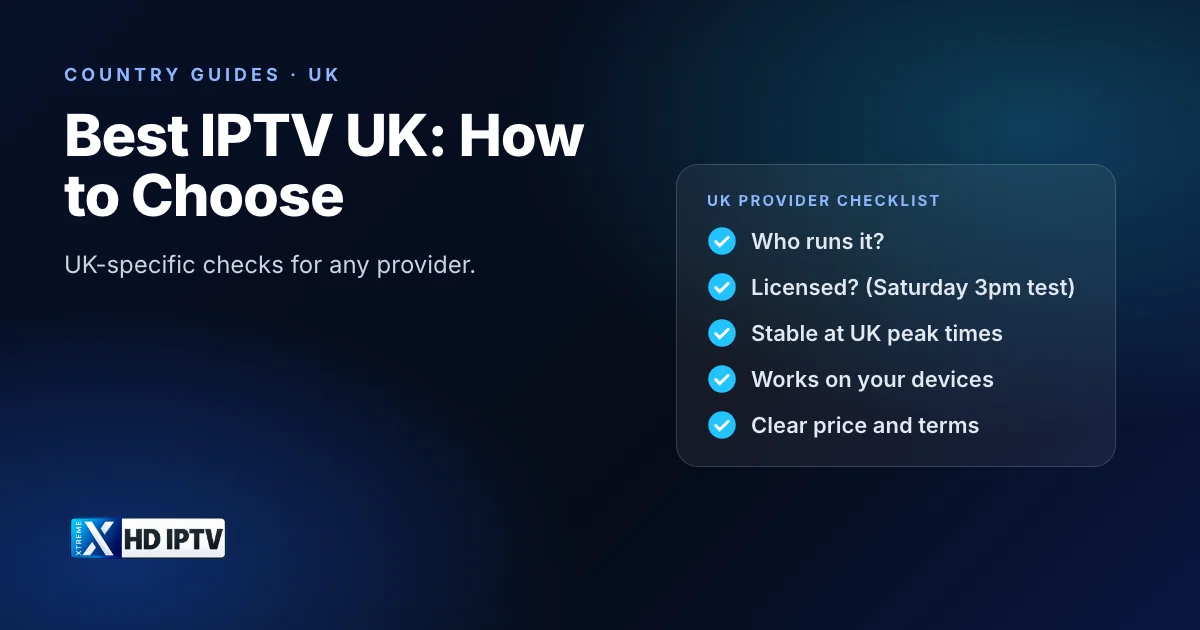
Searches for “best IPTV UK”, “best UK IPTV provider” and “IPTV providers in the UK” return pages of confident rankings, often written by sites paid for each sign-up. Rather than add another list, this guide gives UK viewers the questions that separate a dependable provider from a risky one, including the checks that only apply in the UK. We sell an IPTV service ourselves, so treat this as a checklist you can apply to anyone, including us.
What “best” means for UK viewers
For UK households, the best provider is the one that is legitimate, works on UK broadband at the times you watch, includes the channels you care about and supports your devices at a price you understand. The general version of this question is covered in our guide to the best IPTV service; this article focuses on what is different in the UK.
Licensing first
In the UK, supplying TV channels without the rights holders' permission has led to prison sentences, and at least one viewer has been sentenced for using an unlicensed service. So the first question about any provider is whether it has the right to show what it sells. Licensed options in the UK include broadcaster streaming, Freely, and pay-TV packages from Sky, Virgin Media and BT/EE delivered over broadband. Our guide to whether IPTV is legal in the UK explains the law and the cases.
The Saturday 3pm test
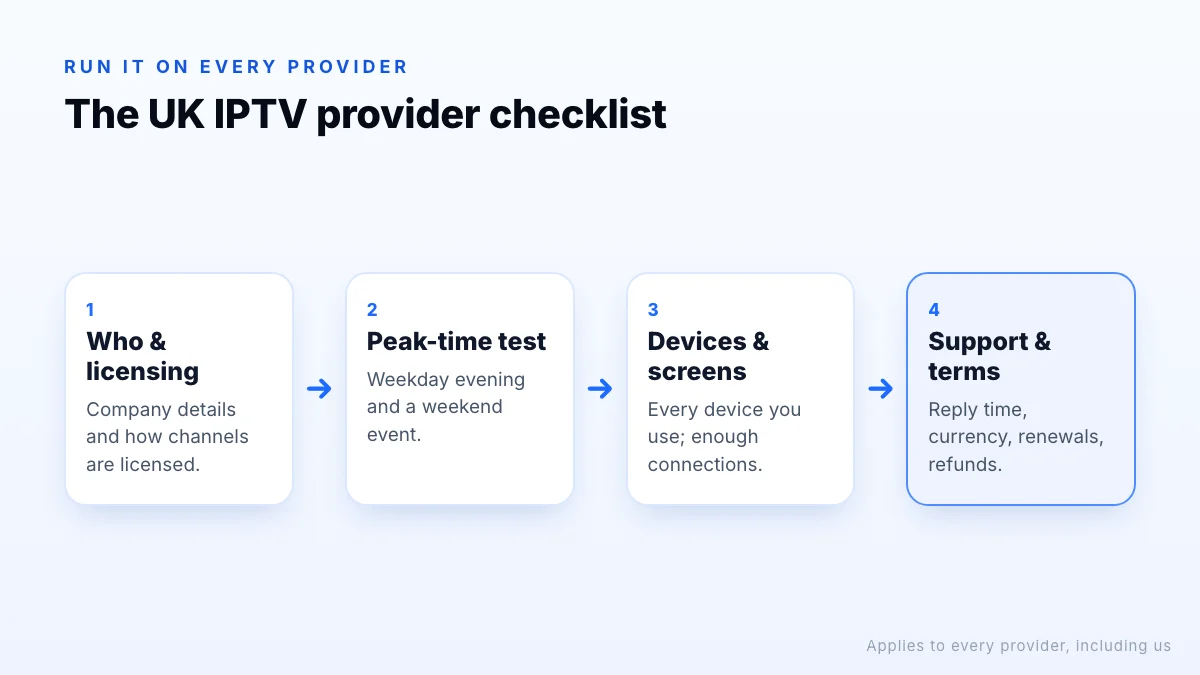
The UK provider checklist
| Check | Why it matters | How to check |
|---|---|---|
| Who runs it | You need someone accountable | Company name and contact details on the website |
| Licensing | Legal and practical risk | Ask how channels are licensed |
| Peak-time stability | UK evenings are busiest | Test on a weekday evening and a weekend |
| Devices | Fire TV, smart TVs, phones | Sign in on every device you'll use |
| Connections | Simultaneous screens | Count your busiest moment |
| Support | Help when things break | Send a question and time the reply |
| Price and terms | Currency, renewals, refunds | Read the terms before paying |
Count connections carefully: one connection is one screen streaming at a time. See how many connections you need.
Licensed packages as a benchmark
Licensed UK packages are a useful reference point even if you don't buy one. Sky, TNT Sports and NOW publish what their sport and entertainment packages include and cost, and the broadcasters list their free channels. If a provider claims to offer everything those services do, together, for a small fraction of the price, that gap needs an explanation. A provider that is open about what it includes, and what it doesn't, is usually easier to trust.
Comparing UK prices
- Convert to a monthly cost for the number of screens you need, on the same plan length.
- Check the currency. Some services charge in US dollars or euros; your bank may add a foreign transaction fee. Our own plans, for example, are priced in USD on the pricing page.
- Include the TV licence if you will watch live TV; it applies whichever service you use.
- Compare with licensed packages. If a provider charges a small fraction of what licensed services charge for the same channels, ask why.
Plan length
Longer plans almost always cost less per month, which is why providers promote them. The saving only counts if the service is still working well at the end of the plan, so start with a trial or a one-month plan, and move to a longer one once a provider has proved itself through a few weeks of real use, including a busy football weekend.
UK peak times and testing
UK broadband networks are busiest on weekday evenings and during big events, especially Saturday and Sunday football and major finals. Test any provider at those times, on the device and Wi-Fi you will actually use, and compare the 4K, FHD and HD versions of a channel. If something buffers, check whether the problem is your connection with our troubleshooting guide before blaming the provider.
- Install on your main device and sign in.
- Find the ten channels you watch most.
- Watch on a weekday evening and during a weekend event.
- Check the TV guide is right in UK time, including after the clocks change.
- Send support a question and note the reply time.
Red flags for UK buyers
- Live Saturday 3pm Premier League matches.
- Every Sky and TNT Sports channel for a few pounds a month.
- No company name, address or way to contact anyone before paying.
- “Lifetime” deals, or payment only by bank transfer to individuals, gift cards or crypto.
- Sold mainly through social media messages or “fully loaded” Fire TV Sticks.
- A website that copies the name or logo of a well-known service, or of one that has shut down.
If you are targeted by an IPTV scam, you can report it to Action Fraud, the UK's national reporting centre for fraud and cyber crime. Paying by credit card where possible also gives you more options to dispute a payment if a service turns out to be misrepresented.
Switching providers
Changing provider is usually simple on the viewing side: most player apps accept a new login in a minute, so your Fire TV Stick or smart TV setup can stay the same. The things to watch are on the billing side. Check whether your current plan renews automatically and cancel the renewal before switching, keep a note of when your plan ends, and avoid paying for a long new plan until the new provider has passed a week of evening testing.
About “best IPTV UK” rankings
UK ranking pages often list the same services in the same order, earn commission per sign-up, and rarely mention licensing. Before trusting one, look for a commission disclosure, a recent date and evidence of real testing on UK broadband. Then shortlist two or three providers and run the checklist above yourself. Our guide to Reddit “best IPTV” threads covers community advice too.
The bottom line
The best IPTV provider for a UK household is legitimate, stable on UK broadband at peak times, supports your devices and is clear about price and terms. Start with licensing, use the Saturday 3pm test, remember the TV licence for live TV, and test any provider in the evening before committing. The same checklist applies to us: if you want to try it, request a trial.